On Creating My Own Cover Art
I felt guilty using AI-generated art for my blog.
When AI tools first appeared, they felt like magic. A simple text prompt could conjure a unique, often beautiful image to accompany my writing. Sometimes it would even have the correct number of fingers. Amazing! It felt like a powerful new way to communicate, especially for me, who is not artistically inclined. Over time, however, the process felt hollow. Beyond the feeling of it being a shortcut, I found that AI art often fell short of capturing the vision I had in mind for my cover art. It felt like the cover art was the result of me complaining at a machine until it produced something that was kind-of what I wanted and had the fewest obvious flaws.
I was doing this as a shortcut but it began to feel like a chore. So starting with my previous post, I’m changing how the covers are generated for my posts.
I’ve always loved generative art: art created from code, algorithms, and a touch of randomness. It just felt right to spend time generating my own cover art with code, rather than asking an AI. For a blog about making things with code, it just makes sense that code would generate the cover art as well.
So, I built a small Go program that generates a raster image, and then feeds it into a Go tool/library called primitive which reinterprets it into a stylized vector piece.
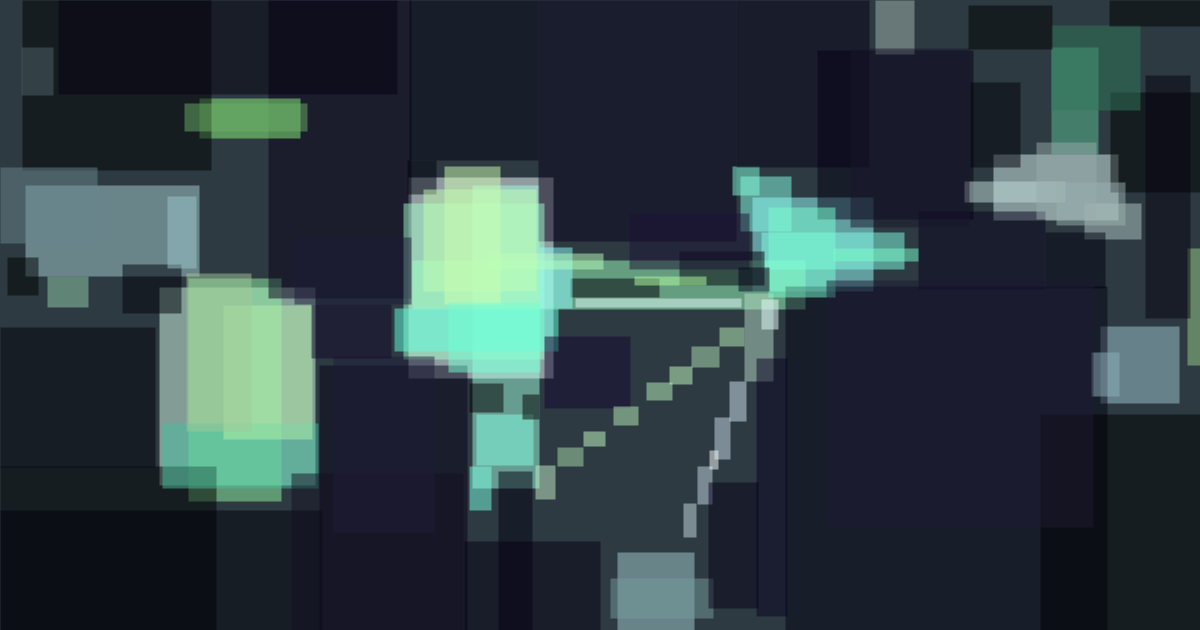
The Go script generates random shapes of different sizes, pulling from a few color palettes that I created. It also randomly draws lines connecting the shapes together, because I like the “graph diagram” feel that it gives. For example, here’s the little chunk of code that draws a star. For drawing the initial shapes, I decided to use a library called Go Graphics (github.com/fogleman/gg):
func drawStar(dc *gg.Context, points, centerX, centerY, outerRadius float64) {
	innerRadius := outerRadius * 0.4
	dc.NewSubPath()
	for i := 0.0; i < points*2; i++ {
		r := outerRadius
		if int(i)%2 != 0 {
			r = innerRadius
		}
		angle := (math.Pi*2/(points*2))*i - math.Pi/2
		x := centerX + r*math.Cos(angle)
		y := centerY + r*math.Sin(angle)
		dc.LineTo(x, y)
	}
	dc.ClosePath()
}
The output is a chaotic but structured smattering of shapes and lines.
To transform this into something with more visual interest, I turned to primitive. This library attempts to recreate the input image using a limited number of geometric shapes. It smooths out the chaos, turning the harsh lines into a stylized, abstract vector piece.
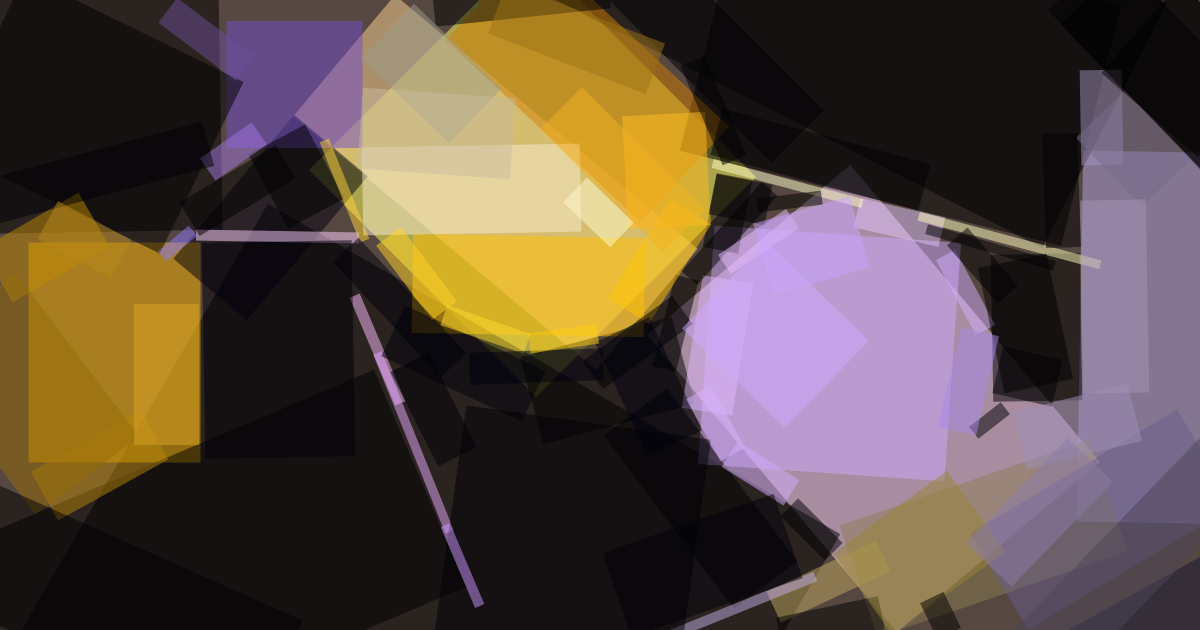
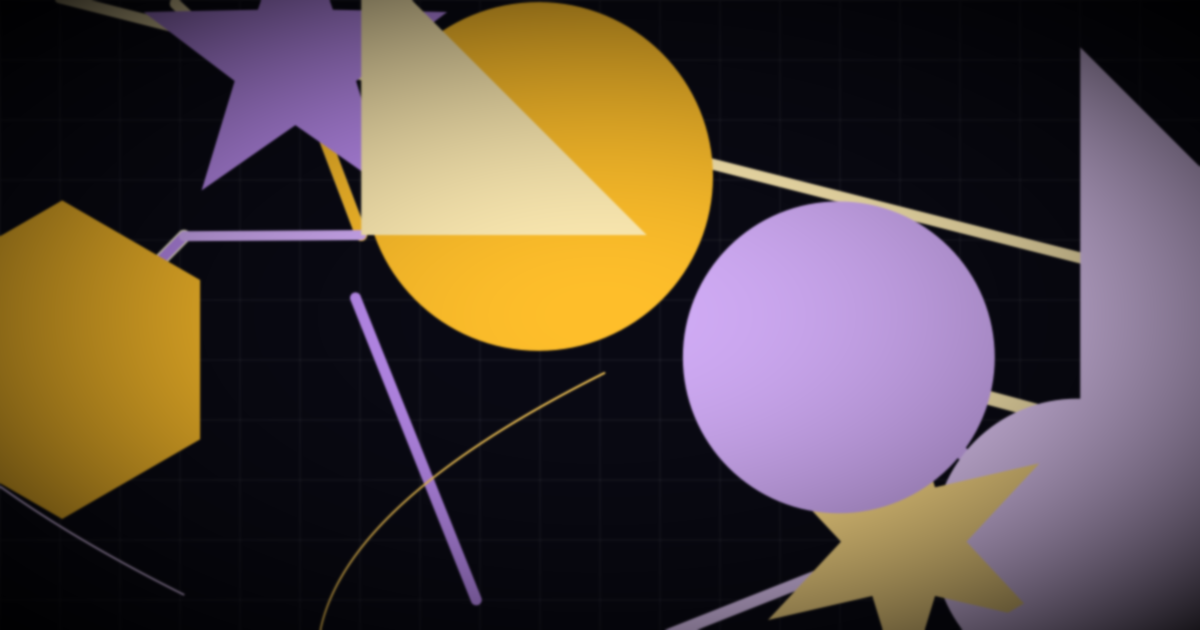
primitive transformation.It’s also worth noting that the resulting images from primitive are SVGs. Because they’re vector-based, they are often much smaller than their raster counterparts (PNG, JPG) and scale perfectly to any size. This means they look crisp on everything from a mobile phone to a 4K monitor without increasing the file size.
This new process feels right. I’m pretty happy with how this has turned out. It’s more personal, and there’s a fun element of surprise in seeing what the code comes up with each time. If I ever get bored of the results, I have the ability to change the code or some of the settings.
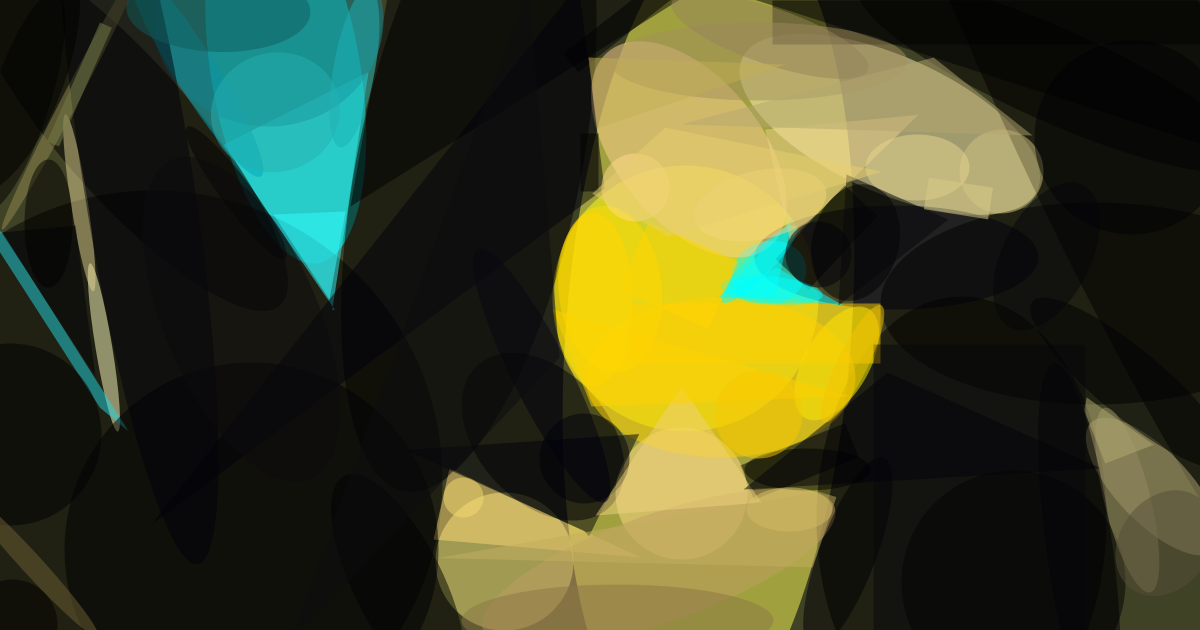
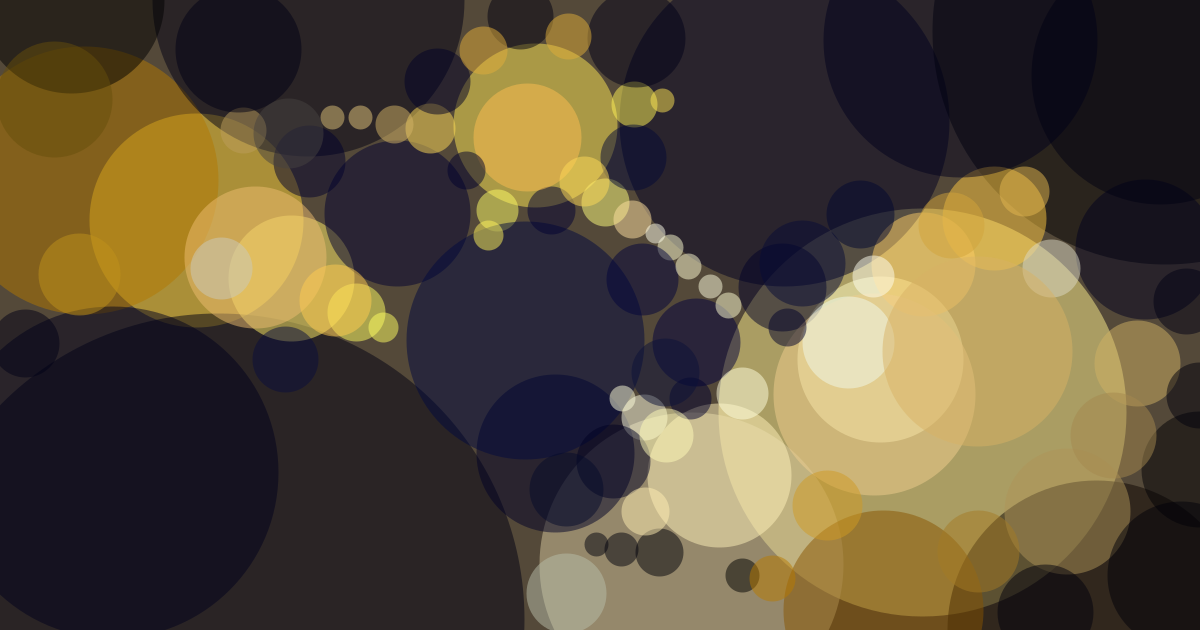
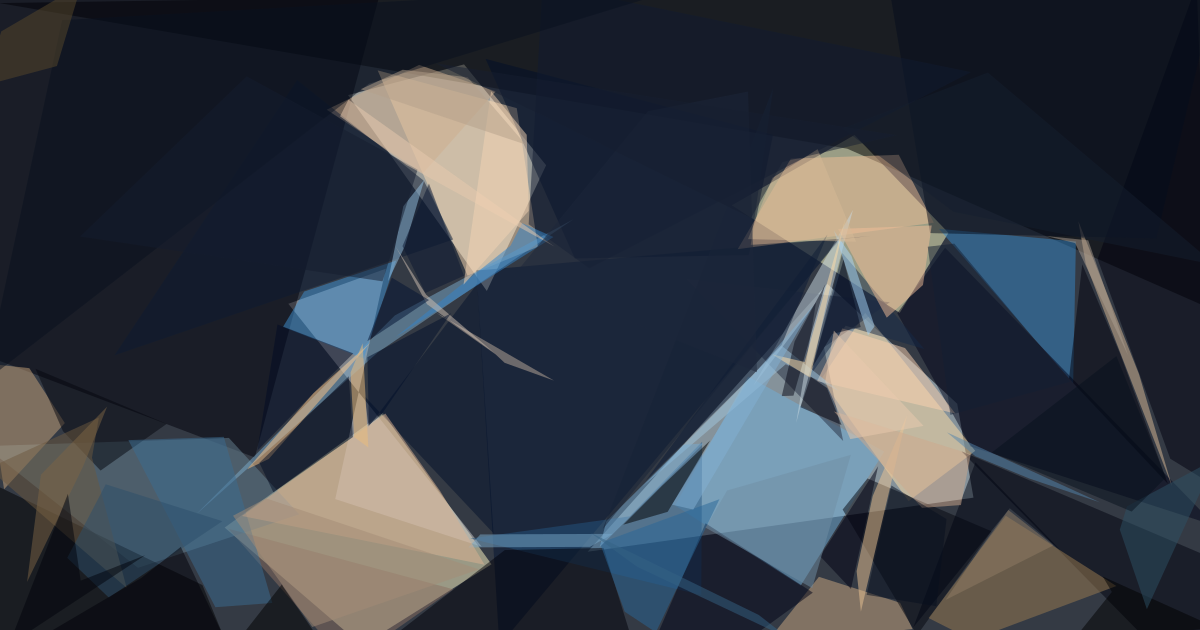
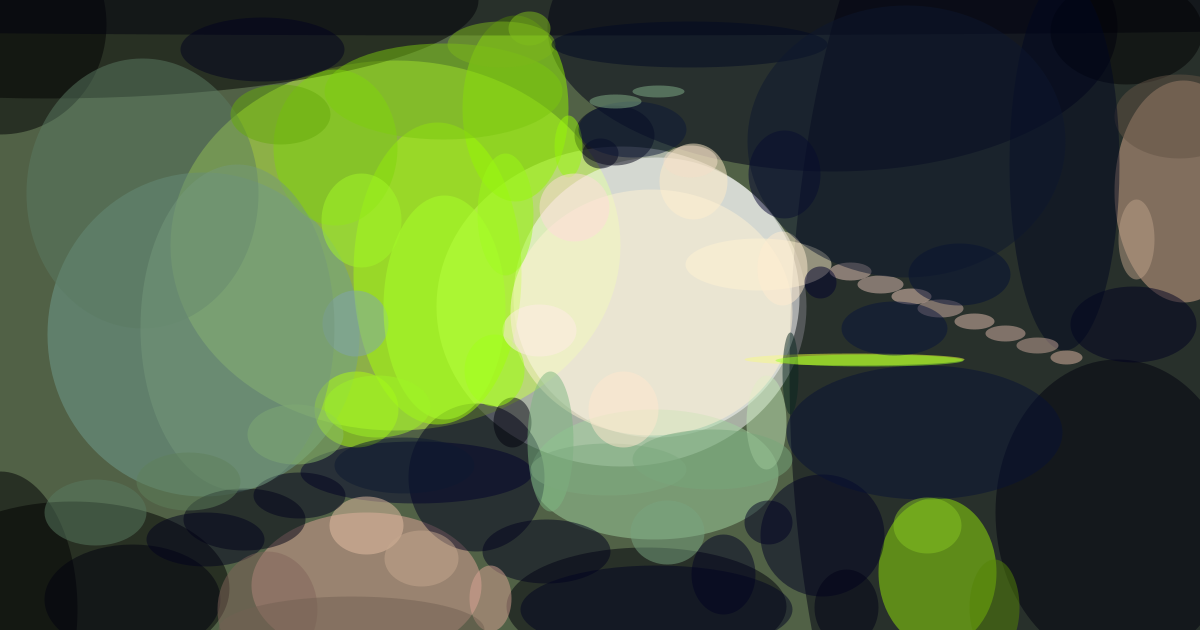
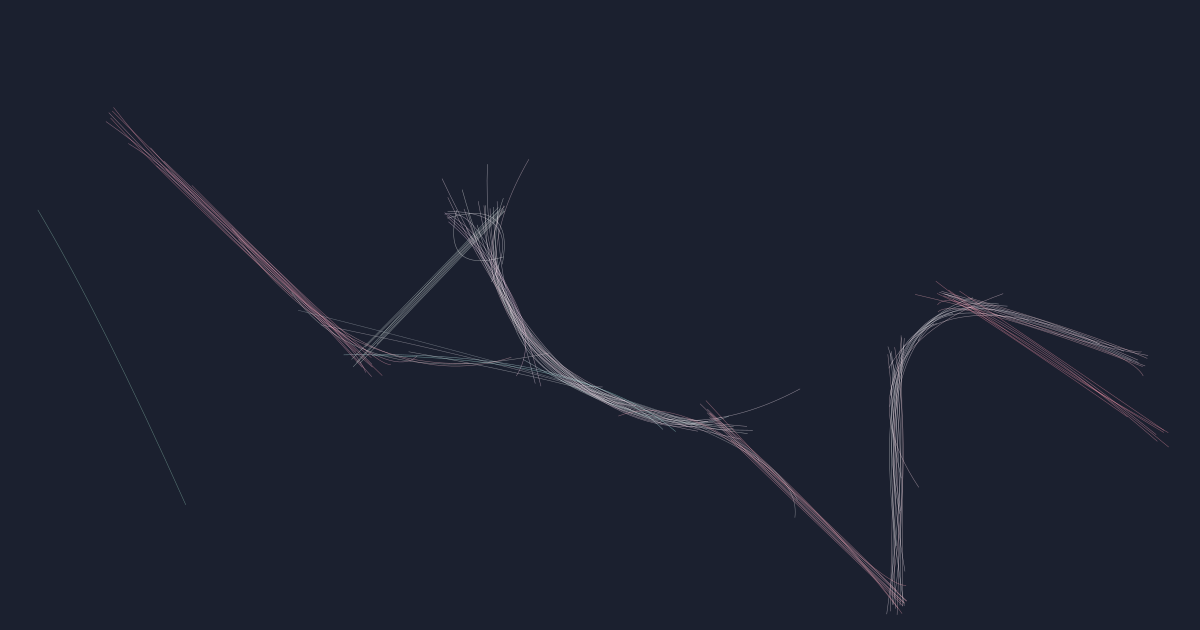
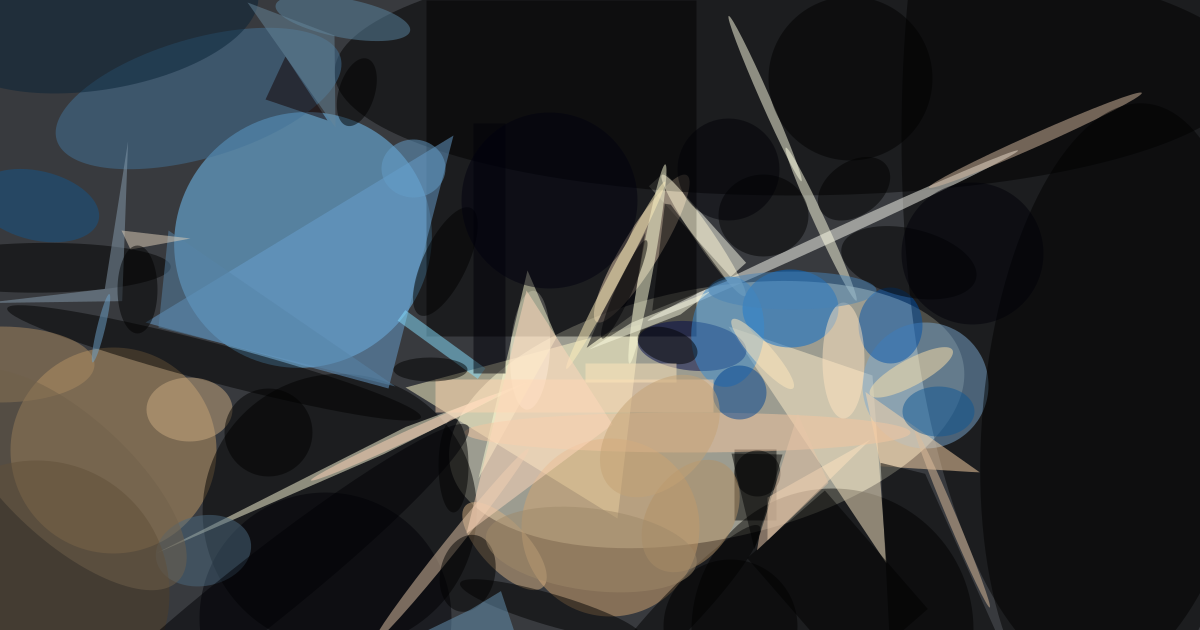
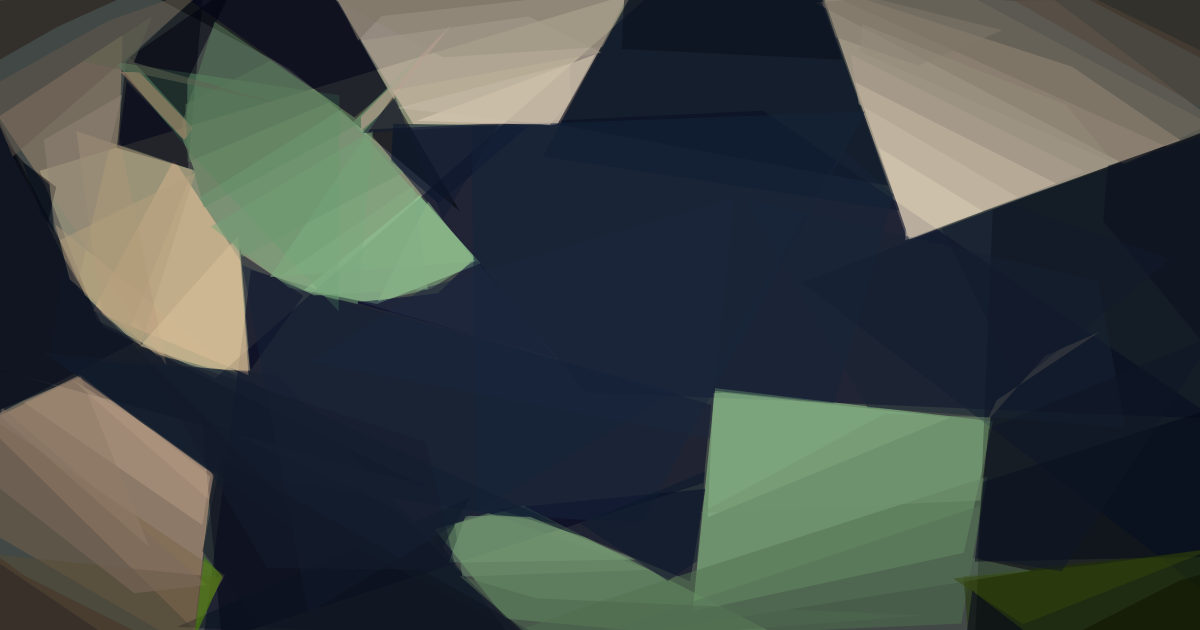
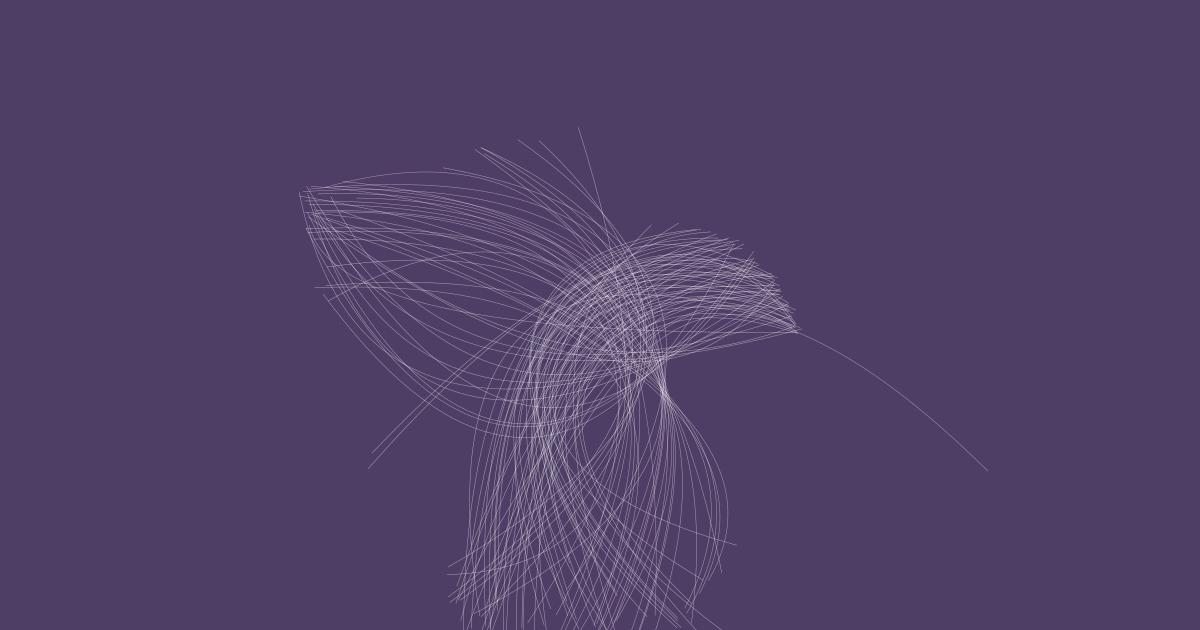
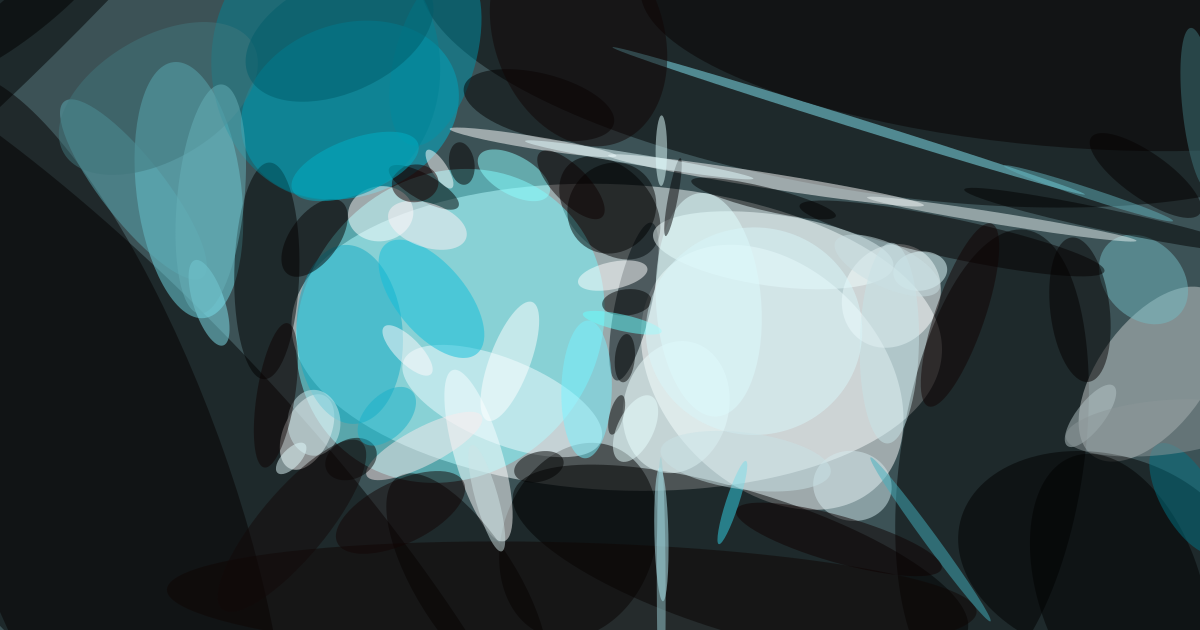
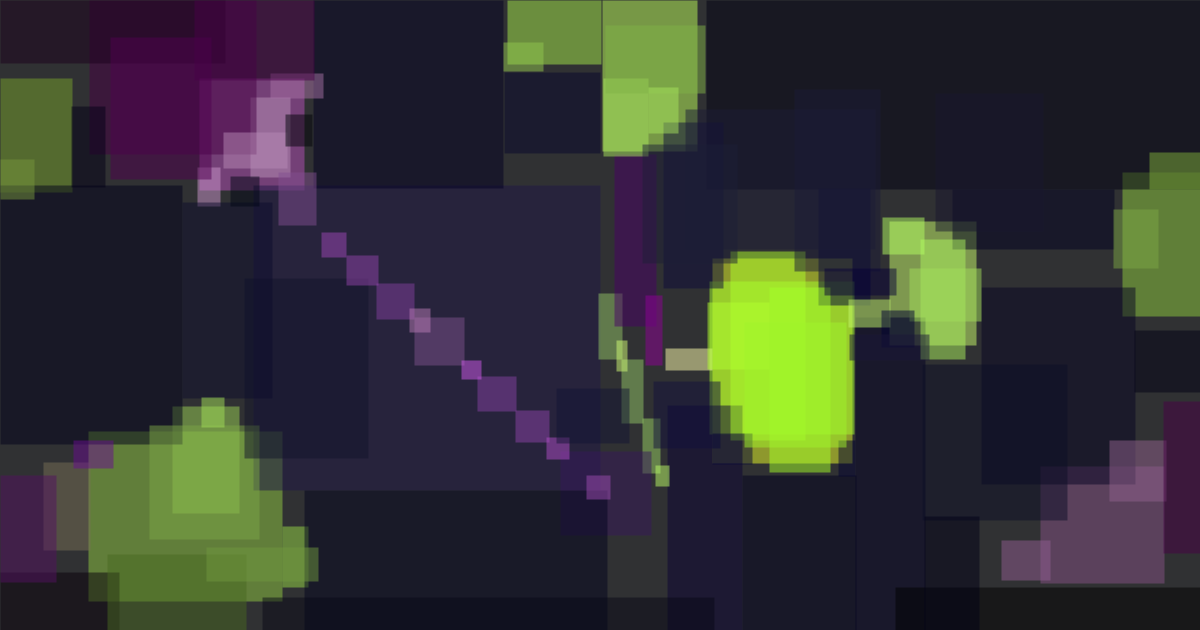
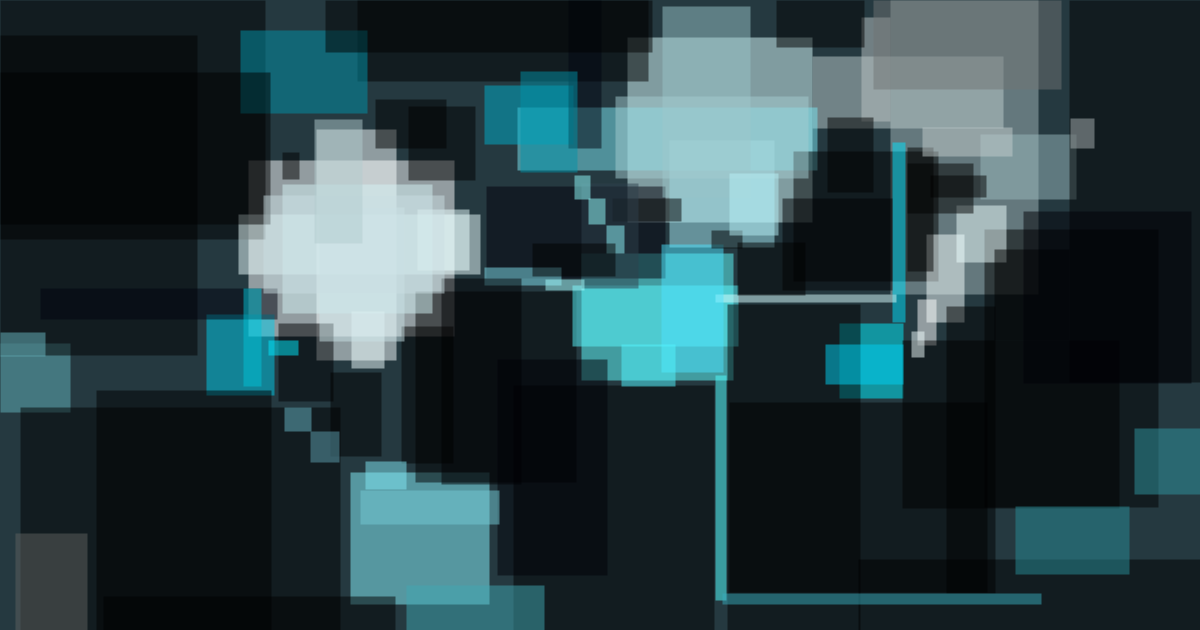
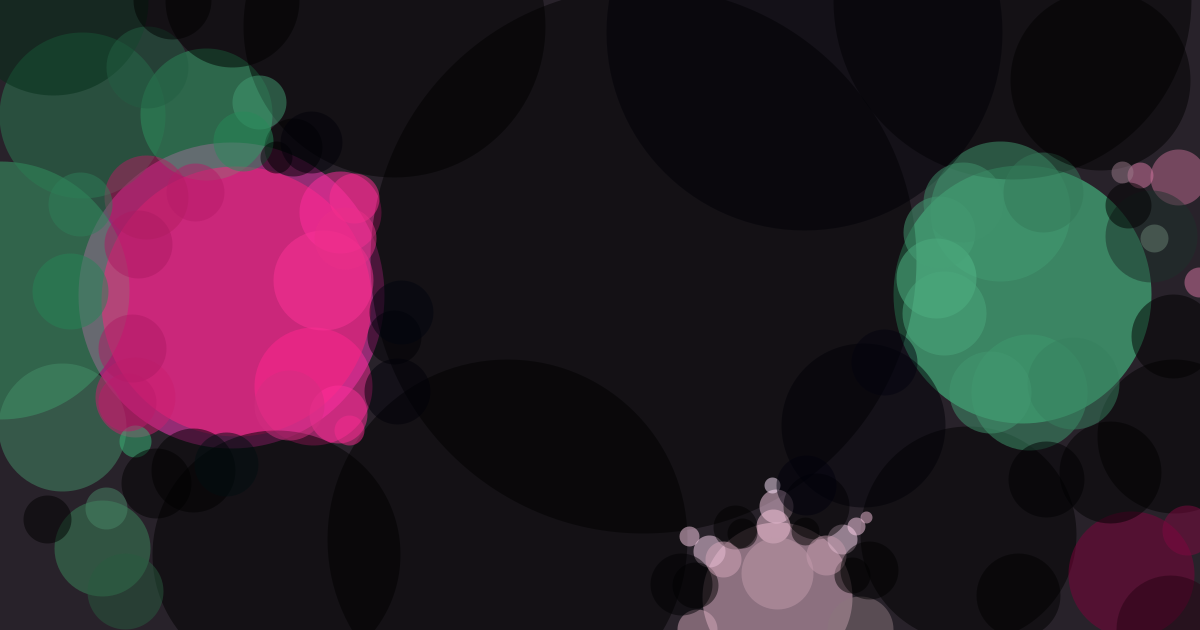
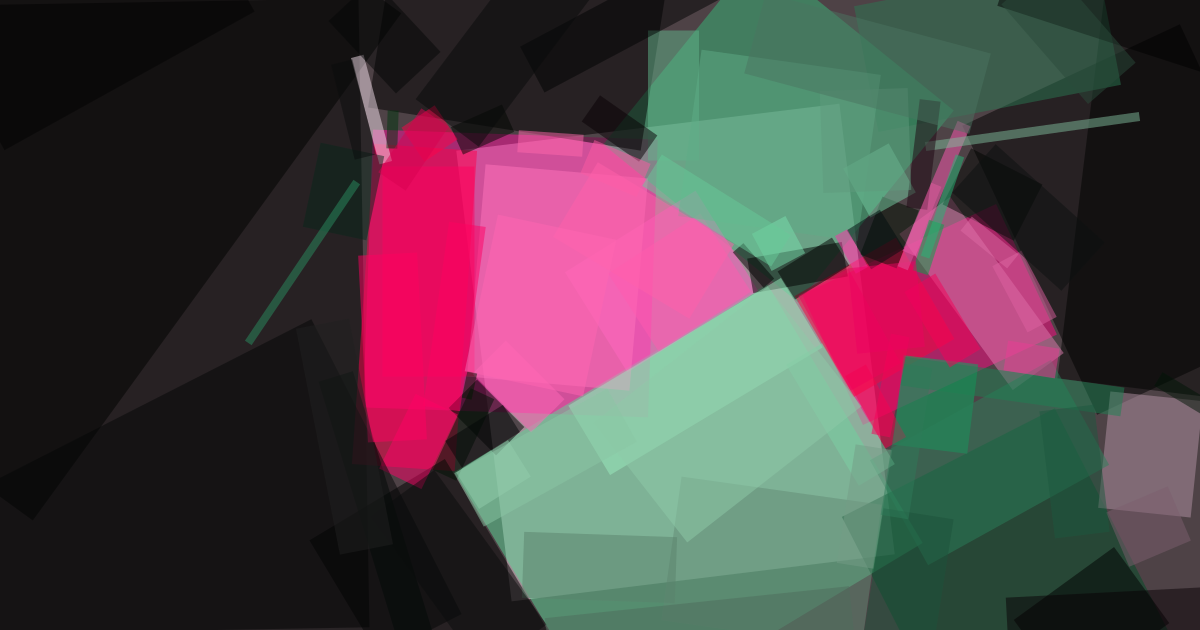
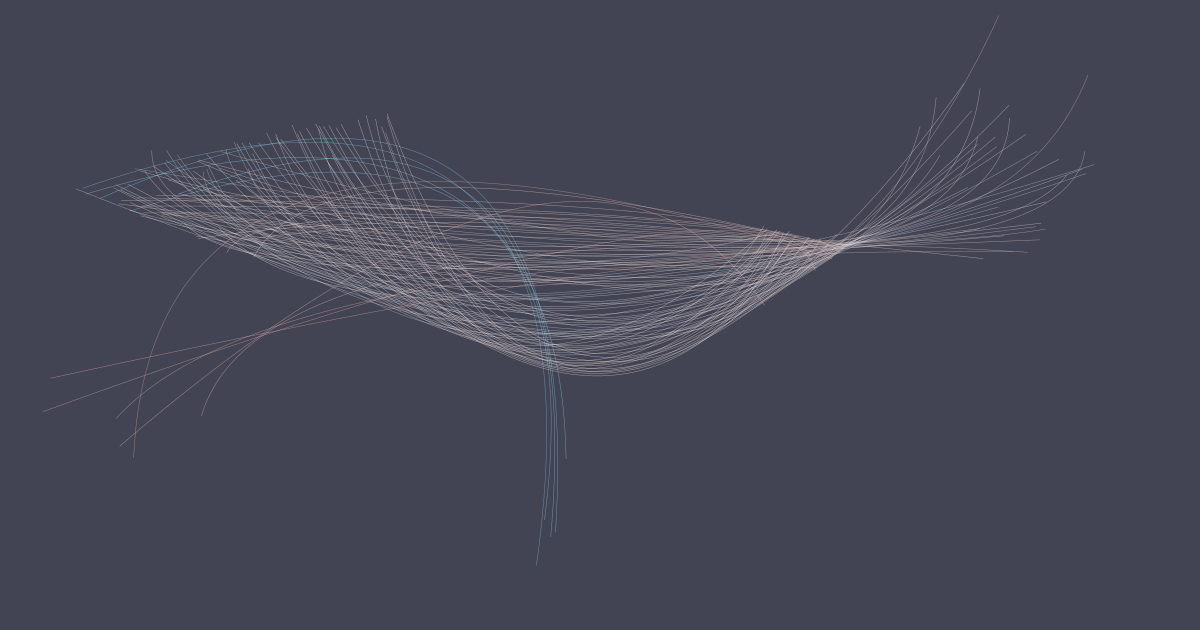
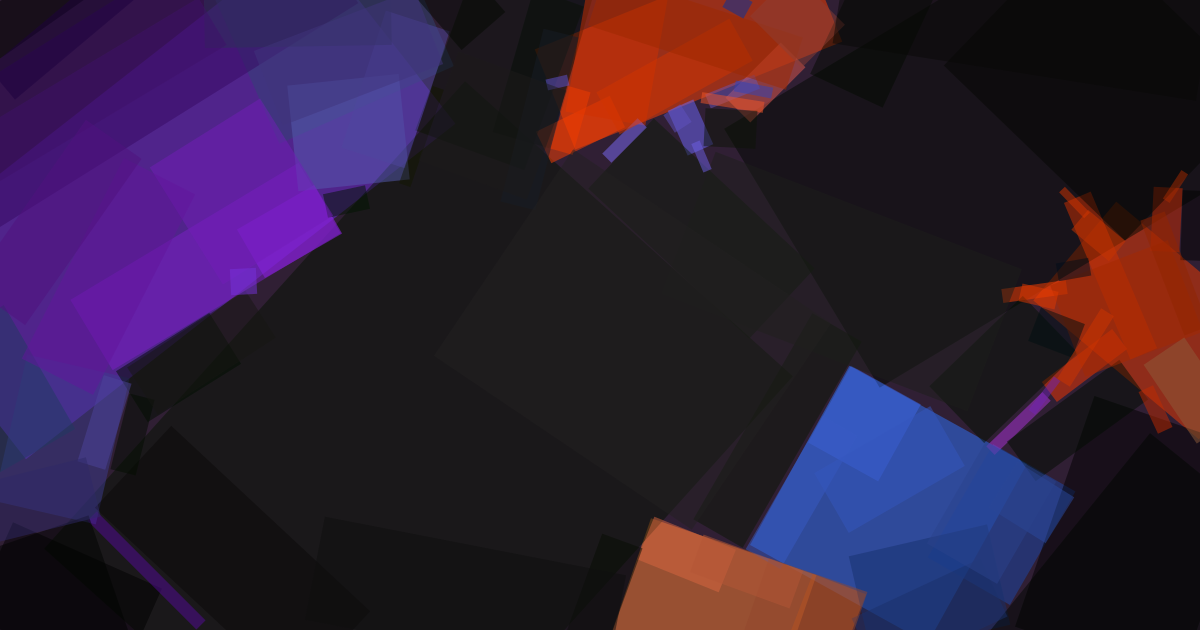
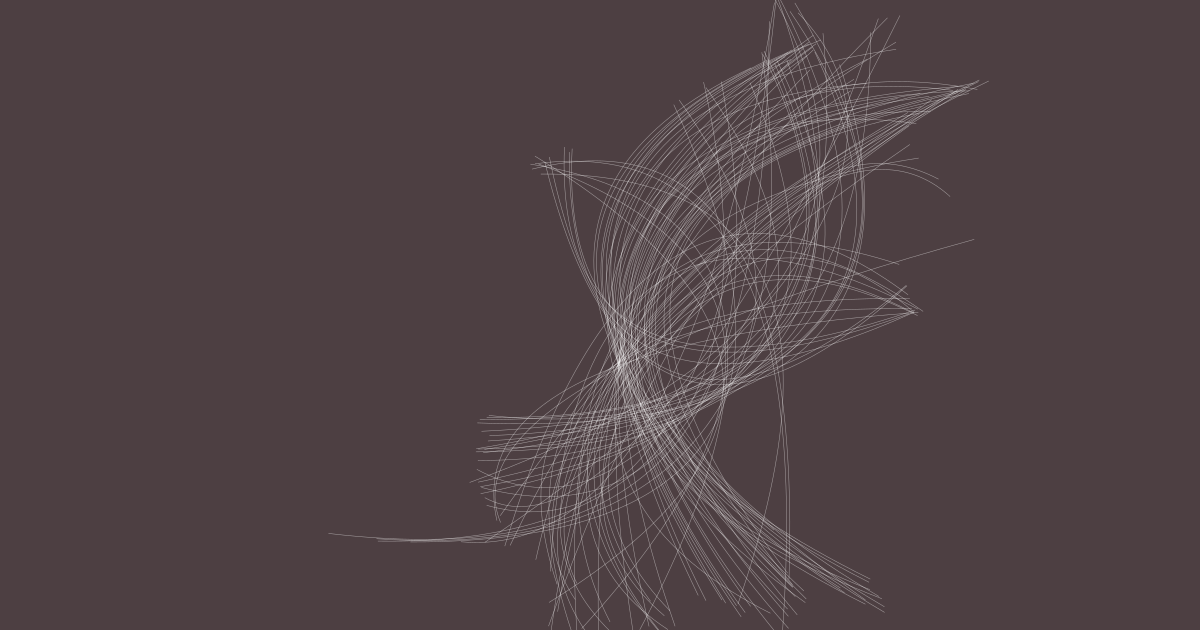
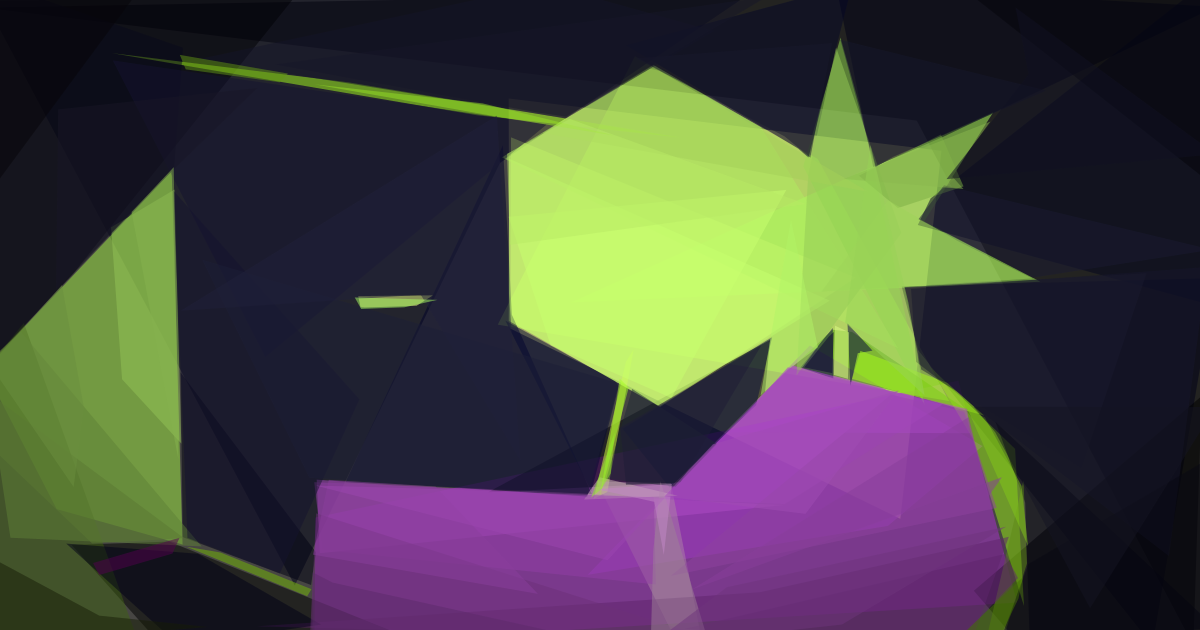
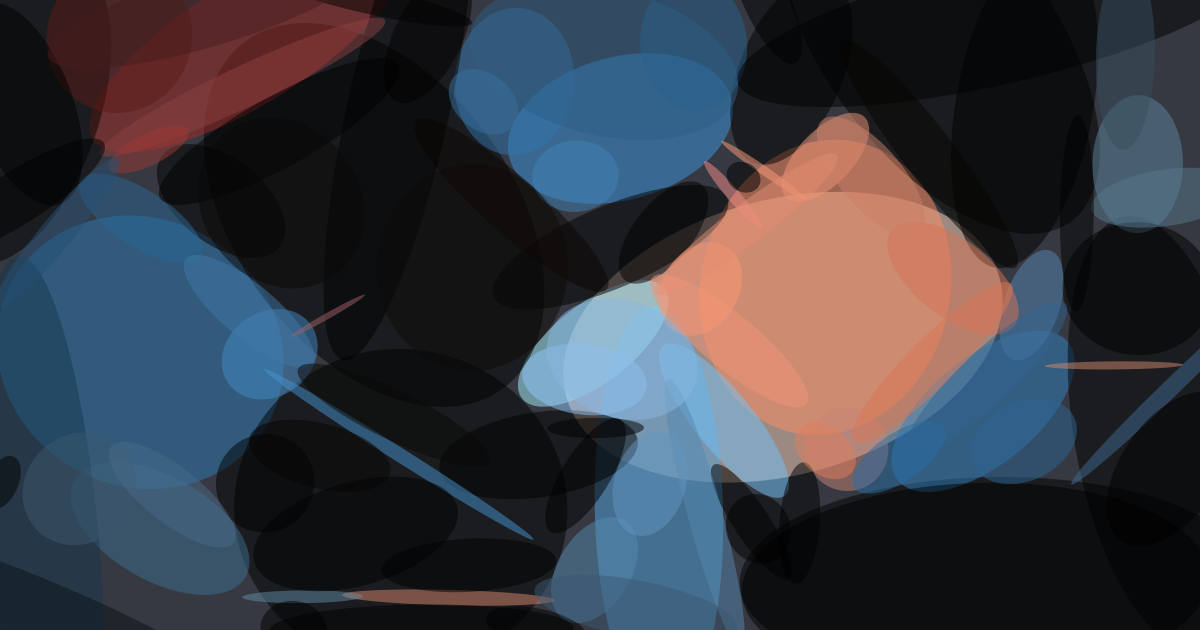
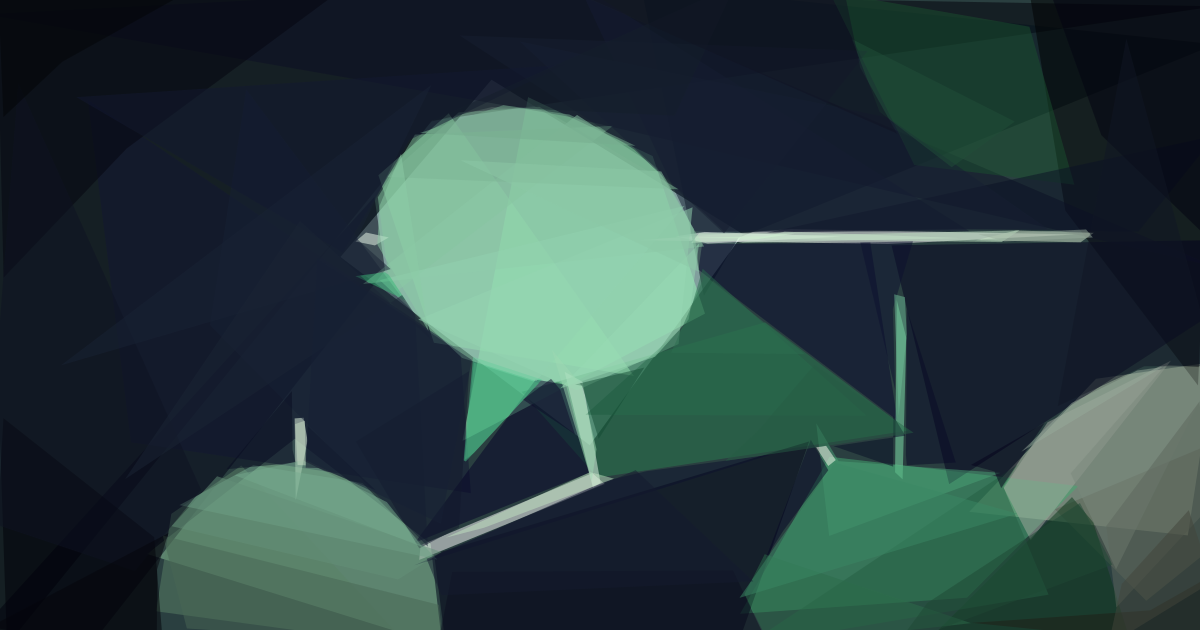
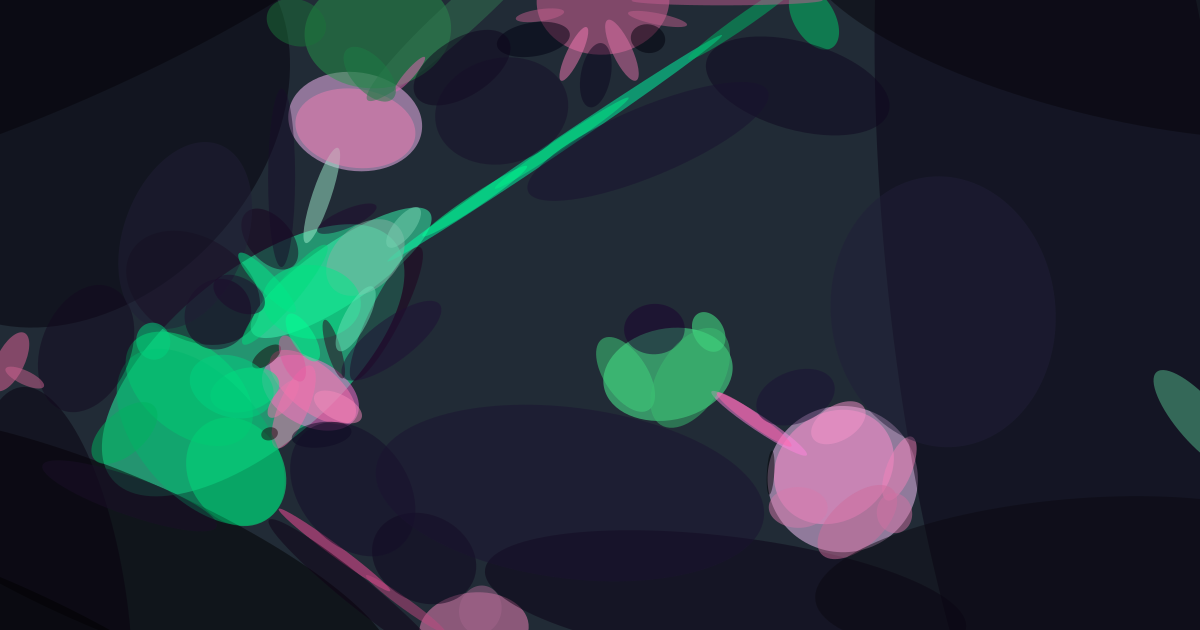
Here’s a gallery of the art this process has helped create. Note that not all of these images look amazing. When creating new articles, I plan on generating images with this script until I find one that I like well enough to use for the cover.




About the Author